 Book a demo
Photo prompts
Last updated: April 15, 2026
Photos make reviews dramatically more useful — customers trust them more, your widgets look better, and listings with photo reviews convert higher. BetterReviews invites customers to share a photo at the right moment in the chat, but never requires one and never badgers.
What it looks like
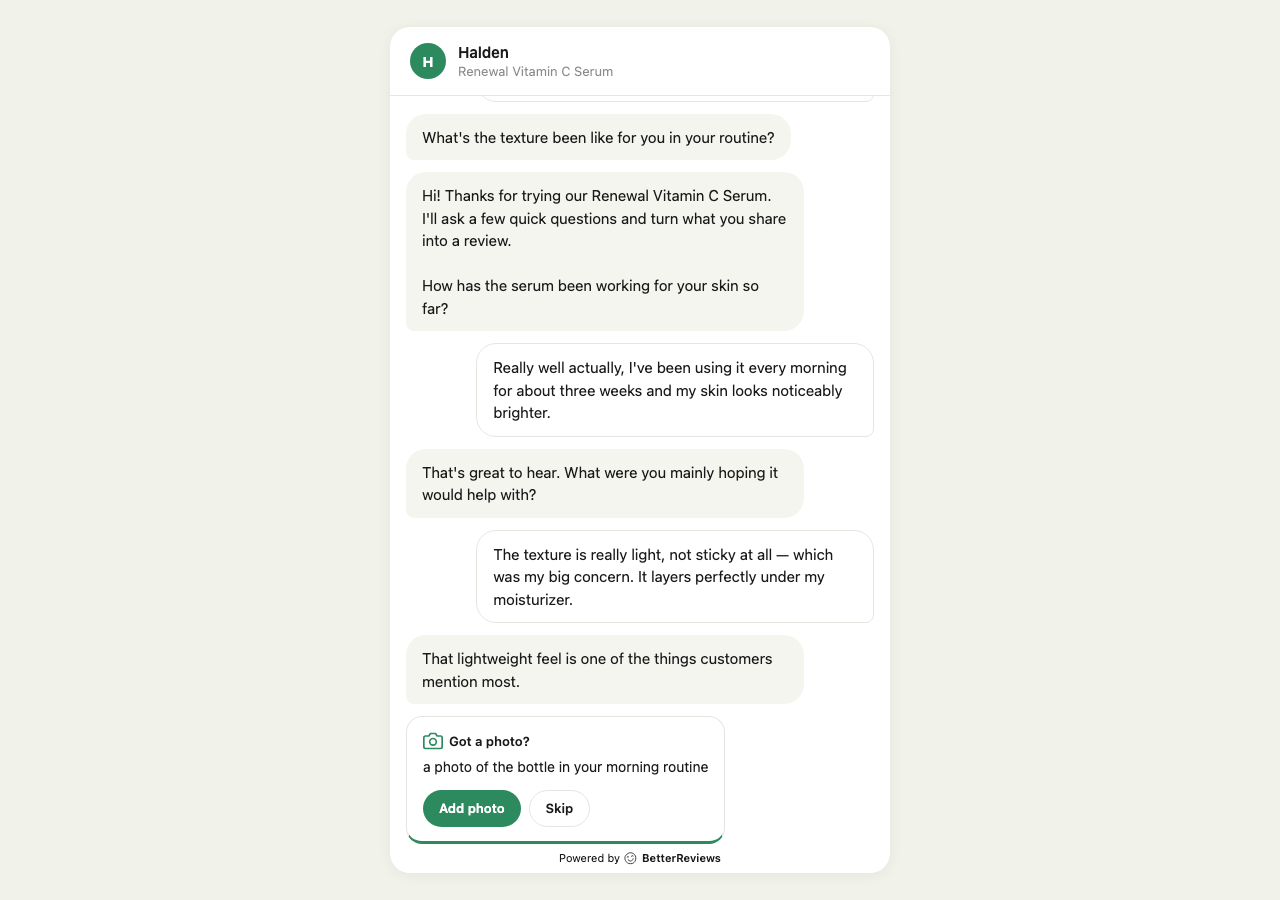
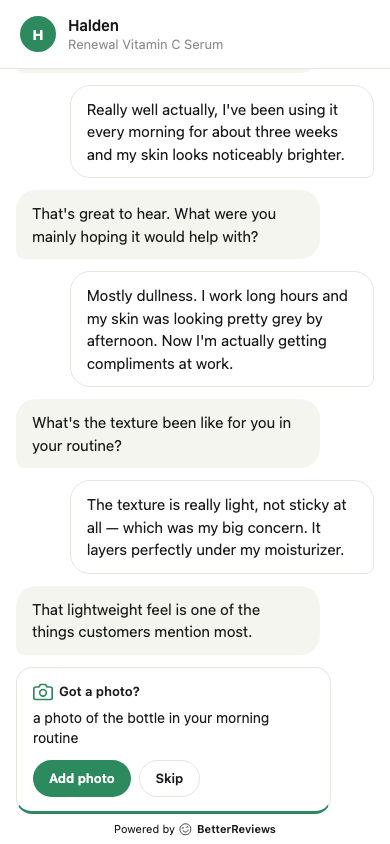
A card appears in the chat with a specific suggestion based on what the customer said. They tap Add photo or Skip, and the conversation continues either way.
When it appears
Roughly speaking, the chat waits until:
- The customer seems happy with the product
- They’ve shared enough that a photo would naturally extend the review
- They haven’t already attached one
That usually lands somewhere in the middle of the conversation, after the customer has described the product a bit.
Why the photo prompt doesn’t always appear →
After a customer uploads
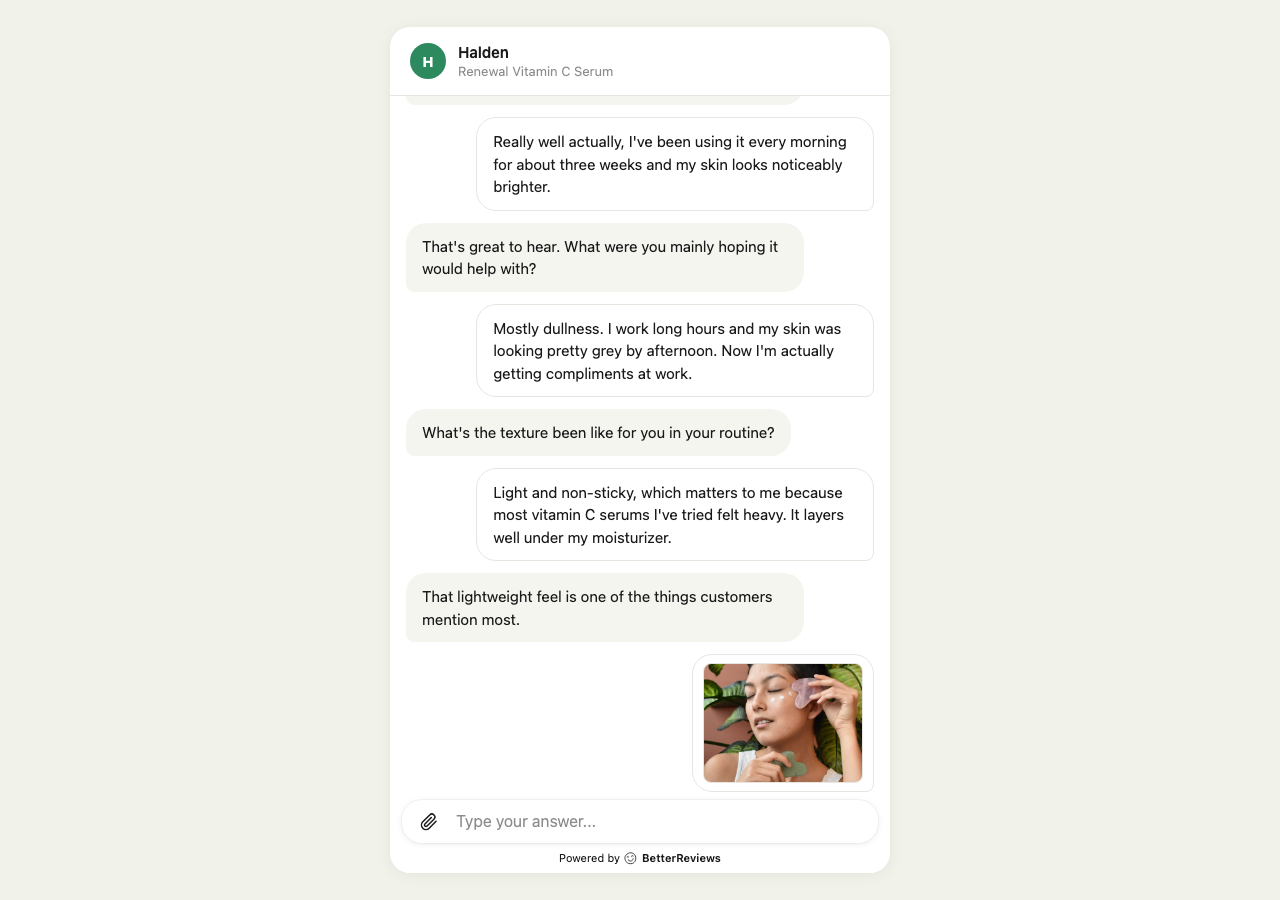
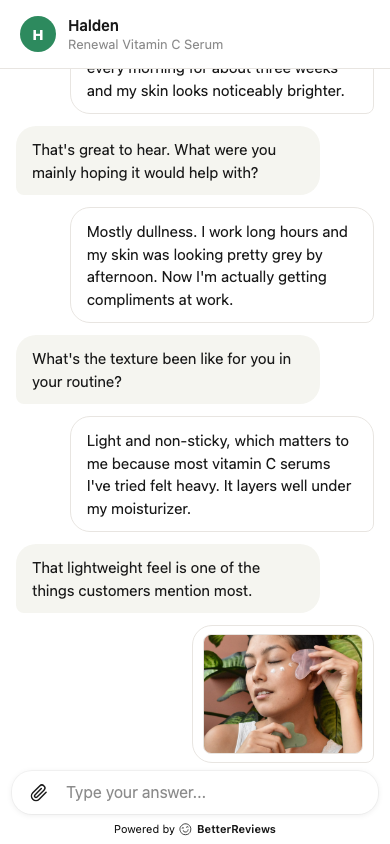
- The thumbnail appears in the chat instantly
- The photo saves to the review when the customer submits
- Once approved (automatically or by you), it shows up in your review widget’s photo gallery
Customers can also attach more photos via the paperclip icon if they want to share more than one. The chat accepts up to five photos per review.
Turning it off
Some stores — digital products, services, subscription boxes — don’t benefit from photo prompts. You can switch them off from the Collect page without affecting anything else.
Turning photo prompts on or off →
Even with prompts turned off, the paperclip stays available — customers who want to share a photo on their own still can.