 Book a demo
Photo & video reviews
More reviews with photos, asked at the right moment.
The review chat asks for a photo once the conversation is going well, with a suggestion that fits what they wrote. Every chat photo is checked for quality, and the best ones are ready for your ads.
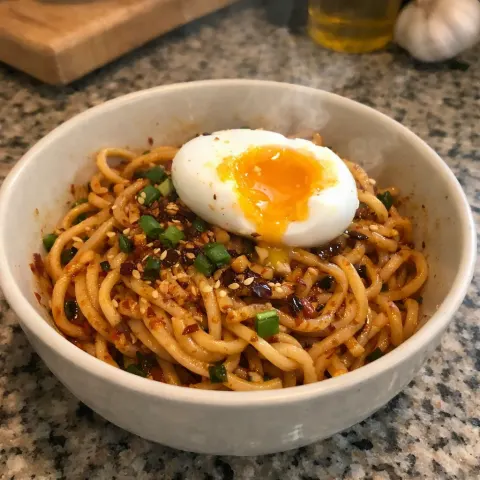
At Missouri Star Quilt Co., the share of reviews with a photo or video went from 5.3% to 9.8% after switching to the conversation.
Our AI rated 67% of photos customers added in the chat as good enough to use in marketing.
The photo ask is skipped when a review turns negative or raises a support issue.
The photo ask
One friendly ask, never pushy.
A blank upload button gets ignored. In the conversation, the ask comes once the customer has already told you how the product fits into their life, so a photo feels like the natural next step. When their very first message is already a full review, the AI suggests one specific photo instead.
Prefer no ask at all? Turn it off under Collect → Review submission, and customers can still attach photos themselves.
- ✓Shown: Once, after the customer has shared some detail
- ✓Shown: With a suggestion that fits what they wrote
- ✕Never shown: When the review is negative or about a problem
- ✕Never shown: Again, once they've skipped or added a photo
Checked by AI
Every chat photo, checked for you.
Each photo a customer adds in the chat is checked for quality, whether the product is actually in the shot, and whether it's good enough for marketing. Turn on "Only feature marketing-ready photos" and the chat photos our AI didn't rate as usable stay out of your widget. Each photo also gets a short description, which your widget uses as alt text so screen readers can describe it.
On your product page
Photos up front, where shoppers decide.
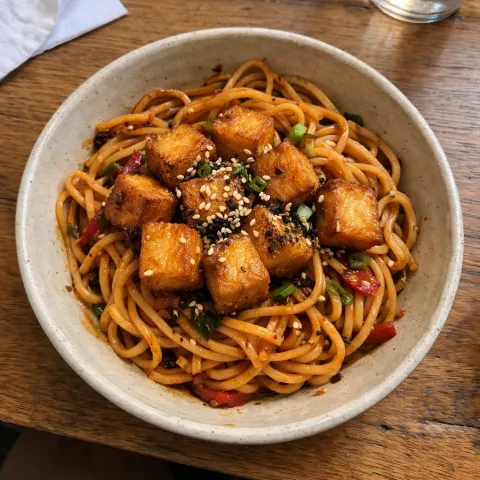
Your review widget opens with a photo gallery, and every photo opens full size. Shoppers can filter to reviews with photos, and you can sort the best media to the top. It's on every plan.
See the review widgets →
Beyond the product page
Put your customers' photos to work.
Studio builds ad images on top of your customers' photos, with their words kept exactly as written.
See Studio →Ask the reviewer for permission to feature their photo, and see who has said yes before you run anything.
How it works →Export the marketing-ready photos for your designer or your social team in one file.
How it works →Klaviyo gets a photo-reviewer flag on each profile, ready for a UGC campaign.
Klaviyo integration →Switching apps?
Your photos come with you.
When you import from Okendo, Judge.me or a CSV, review photos and videos are copied to our own storage, so they keep showing even after you cancel your old app.
Free migration →Questions about photo and video reviews
What can customers upload?
Up to five photos or short videos per review, up to 10 MB each, as JPG, PNG, WebP, MP4 or MOV. They can add them from the chat or the classic review form.
Does it ask every customer for a photo?
No. The chat asks once, at a natural moment, and holds back when a review turns negative or raises a problem. Customers can always attach a photo themselves, and they can skip the ask.
Can I turn the photo ask off?
Yes. In BetterReviews, go to Collect → Review submission and untick "Ask customers for a photo during the chat". Customers can still attach photos on their own.
Do customer videos appear on my product page?
Yes. Short videos customers attach to their review show in your widget alongside photos, and play full size.
Which photos does the AI check?
Photos added in the review chat are checked for quality, whether the product is visible, and whether they're good enough for marketing. You can hide the chat photos our AI didn't rate as marketing-ready.
What happens to photos from my old reviews app?
When you import from Okendo, Judge.me or a CSV, photos and videos are copied to our storage and show in your widget like any other review media. Videos hosted on YouTube or Vimeo aren't copied.
More from BetterReviews
Everything works together.
- AI-guided reviewsA short chat that turns "love it!" into use cases and detail.
- Review widgetsStars, photos and Q&A, matched to your theme.
- StudioAds and email hooks made from your reviews.
- Google Shopping & syndicationYour reviews as stars on Google Shopping.
- AI moderationSpam flagged, support questions routed.
- AI product pagesHighlights, FAQ and SEO copy from what customers say.
- InsightsThemes and personas from your reviews.
- API & AI-agent skillsLet Claude, ChatGPT or Viktor turn reviews into copy and content.
- IntegrationsKlaviyo, Google, Shopify Flow, Claude and more.
Get the photos shoppers look for.
Install free and try the photo ask in your first review conversations.
- Free plan
- Free migration
- Month to month