 Book a demo
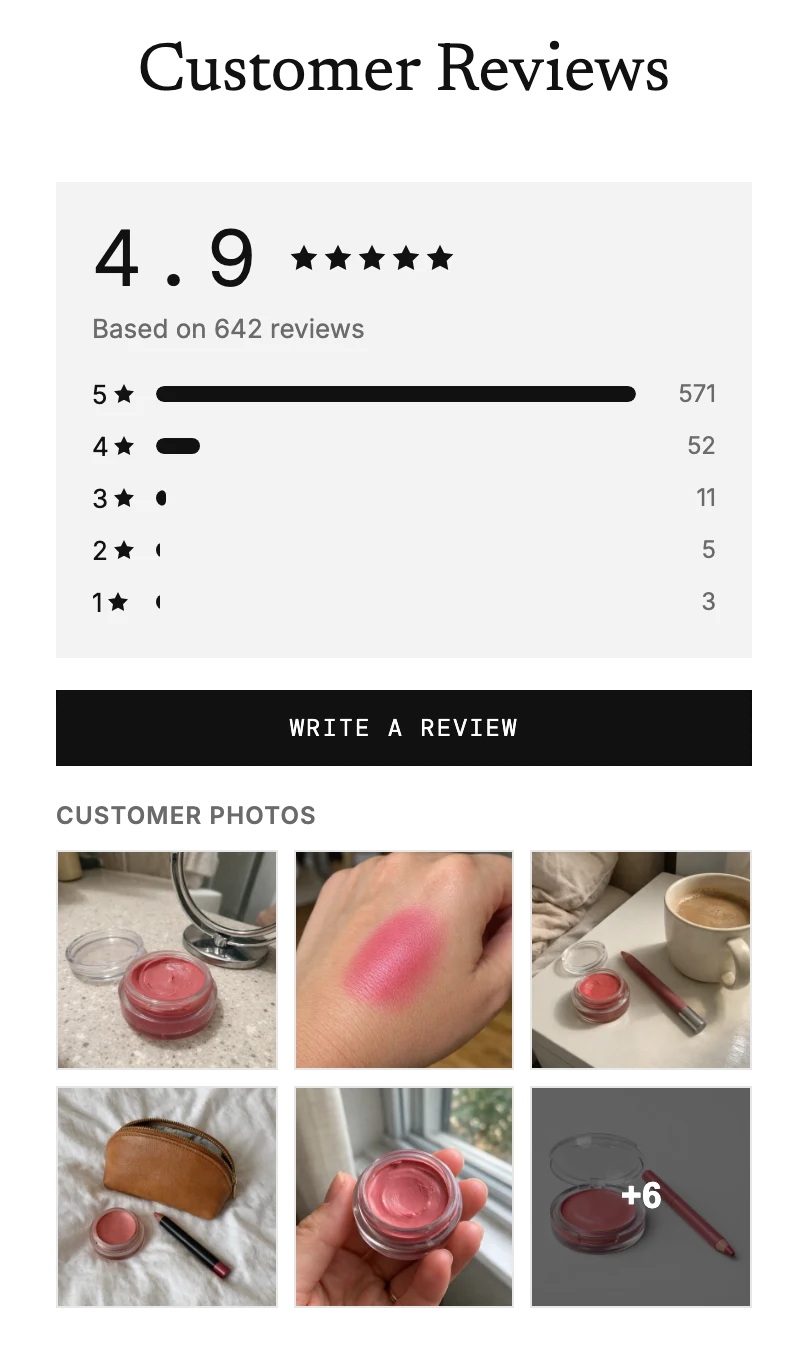
Search inside the reviews
Matches are highlighted, and the full review opens so the word is always in view.
Review widgets
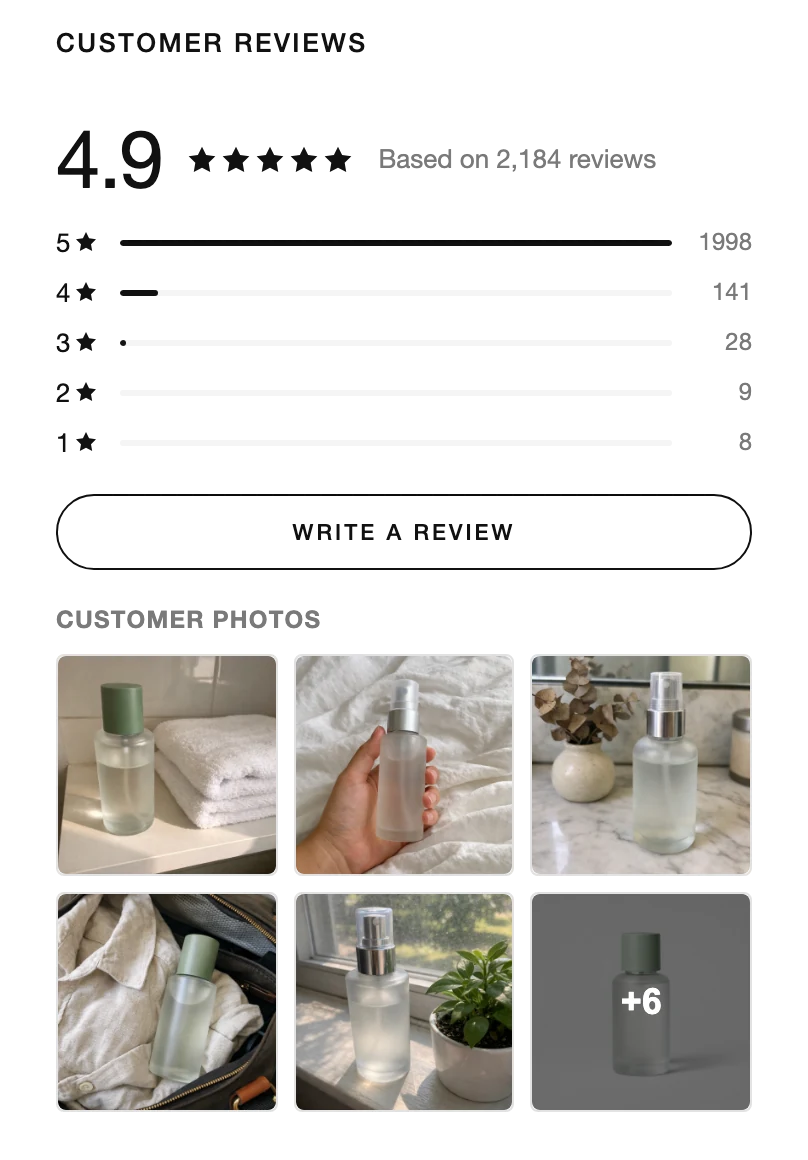
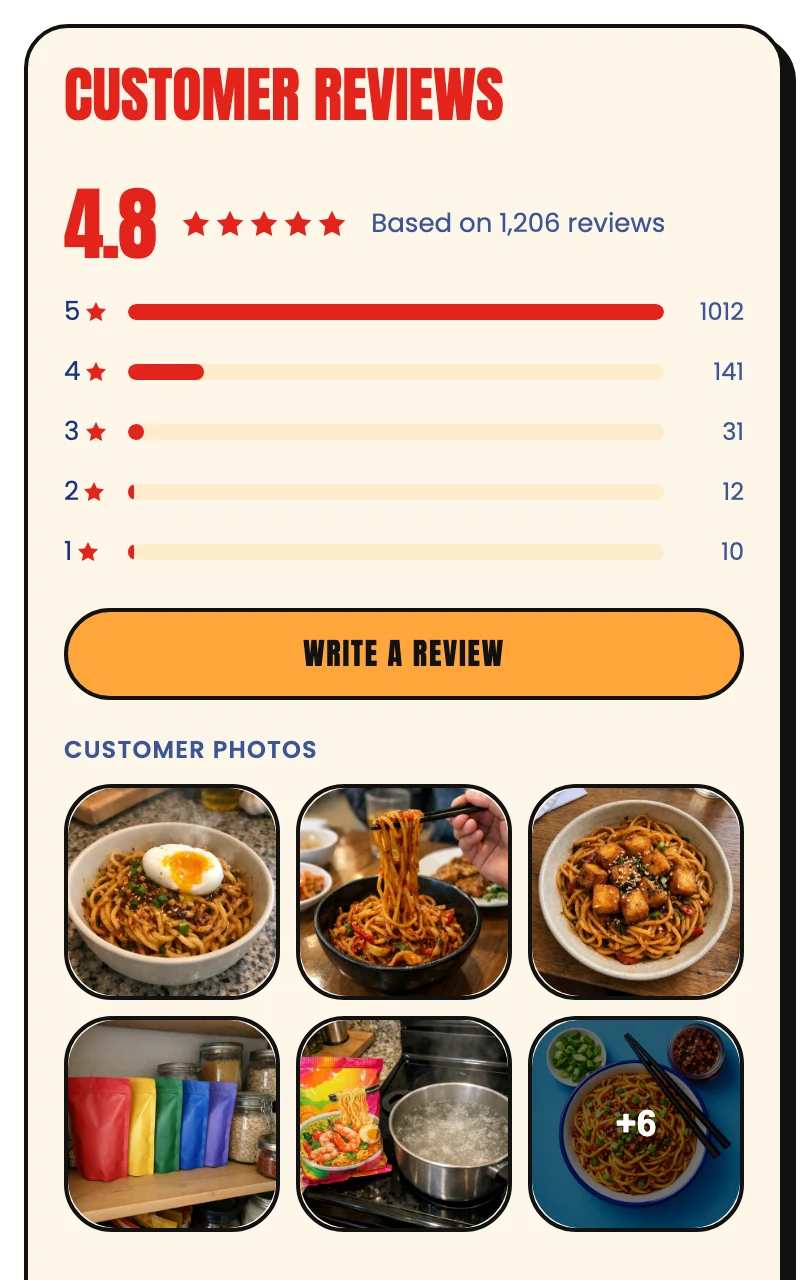
A product-page widget that takes your theme's colours, puts customer photos up front and lets shoppers find the review that answers their question.



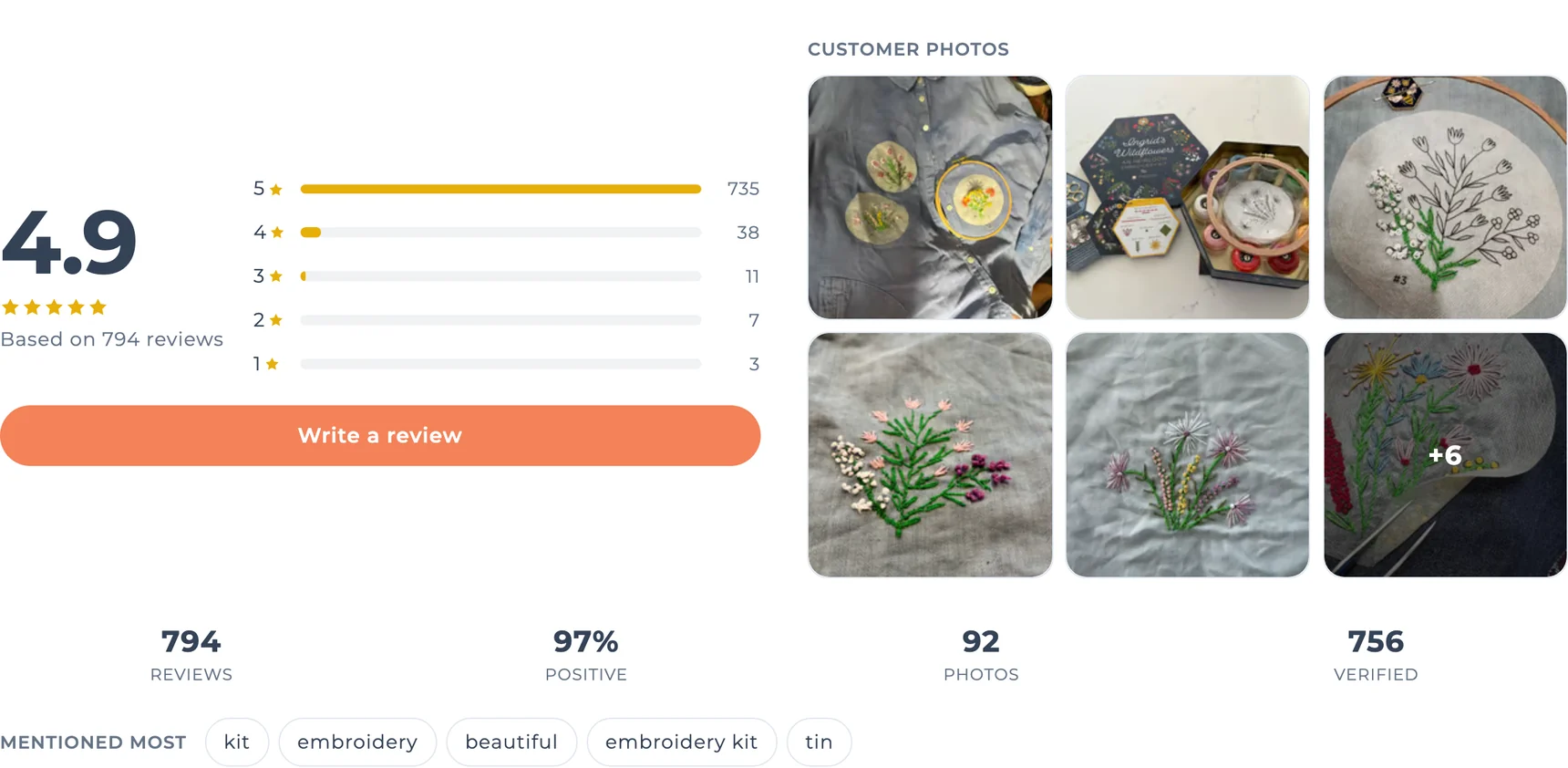
Matched to your theme
At install we pull the colours from your Shopify theme and use its font. Colours, corners, type size and every section are yours to set in the editor, and a custom CSS box covers the rest. On Better and Studio plans we custom design them for you.
For shoppers
Nobody reads 800 reviews. Shoppers come with one worry, about the fit, the wash or the colour, and the widget helps them find the review that settles it.
Matches are highlighted, and the full review opens so the word is always in view.
The phrases customers use most, as pills. One tap filters the list.
Nine sort orders, from Most helpful to Critical first. You pick which ones shoppers see.
A gallery of customer photos and videos sits beside the rating. Tap one and it opens in a lightbox, with videos playing inline.
Verified buyer badges and helpful votes on every card, with your replies a tap away.
What fills the widget
A star form gets "Love it!". Our AI-guided chat asks one or two follow-ups, so shoppers read what the product was used for and how it held up.
Love it!! 😍
Soft enough for a baby blanket, and it survived the wash
I made a blanket for my niece in Meadow Merino. It's soft against her skin, and after three cold washes it still looks new. The sage was a little greener than on screen, so I'd order a skein to check first.
Search and AI
The first page of reviews, the stats and the gallery come with the page HTML instead of loading in afterwards with JavaScript, so search engines and AI crawlers see the reviews.
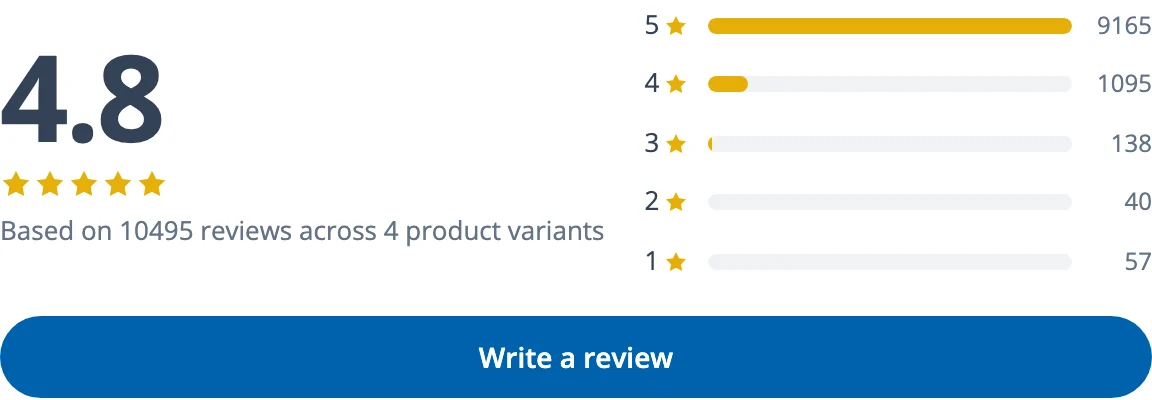
Over 10,000 reviews on a single LoveCrafts yarn, grouped across its variants and still easy to read.
Setup
Two theme blocks and no code. The widget appears on every product page the moment you save.
In the theme editor, add it to your product template. Most stores put it under the description.
One app embed under Theme settings. It powers the lightbox, sorting and search.
They are already pulled from your theme. Click Match my store any time you redesign.
Also included
Stars and a count next to the product title. A click scrolls to the reviews.
Q&A sits in a tab next to the reviews, including Q&A imported from Okendo or a CSV.
Original dates, photos, videos and verified badges come with them, plus an optional source label.
We migrate you for free →At install we read the colours from your live Shopify theme, and the widget uses your body font. In the widget editor you can change the accent, star, background, text and border colours, switch light, dark or auto mode, pick a corner style and scale the type. Custom CSS (up to 20 KB) covers anything else. On Better and Studio we design the widget for you.
The first page of reviews, the stats, the "Mentioned most" pills and the photo gallery are rendered on the server from Shopify metafields, so they arrive with the page instead of loading in afterwards. Sorting, filters, search and more pages are fetched only when a shopper uses them.
The Reviews Widget outputs one complete Product entry in structured data, with your star rating plus price and availability read live from Shopify. That makes products with reviews eligible for review stars and merchant listings in Google; Google decides when to show them. If your theme also outputs product data, remove the theme's version so ours is the only one (or switch ours off, which also drops the rating).
Yes. Import from Okendo, Yotpo, Judge.me, Loox, Feefo, Stamped or a CSV, and the photos and videos are copied to our storage, so they keep working after you uninstall the old app. On Better and Studio a person runs the migration for you.
Yes. Review groups pool reviews from related products, so every colour of a yarn shows the same rating and the same reviews, and a review written for another variant is labelled with it. Google still sees each product's own rating, as its rules require.
Not today. Widget settings apply to every product page in the store. If you need it, tell us what for.
Yes, with every widget feature on this page. The Free plan shows a small "Powered by BetterReviews" line under the widget; Better and Studio remove it.
More from BetterReviews
Install free, bring your reviews from any app, and preview the widget in your theme editor before it goes live.
 ▶
▶
 +6
+6