 Book a demo
Draft & submit
Last updated: April 17, 2026
When the chat has enough material to form a real review, it shows your customer a draft — written from their own words — and lets them review, edit, and submit. This page walks through what they see, what they control, and what happens next.
What your customer sees
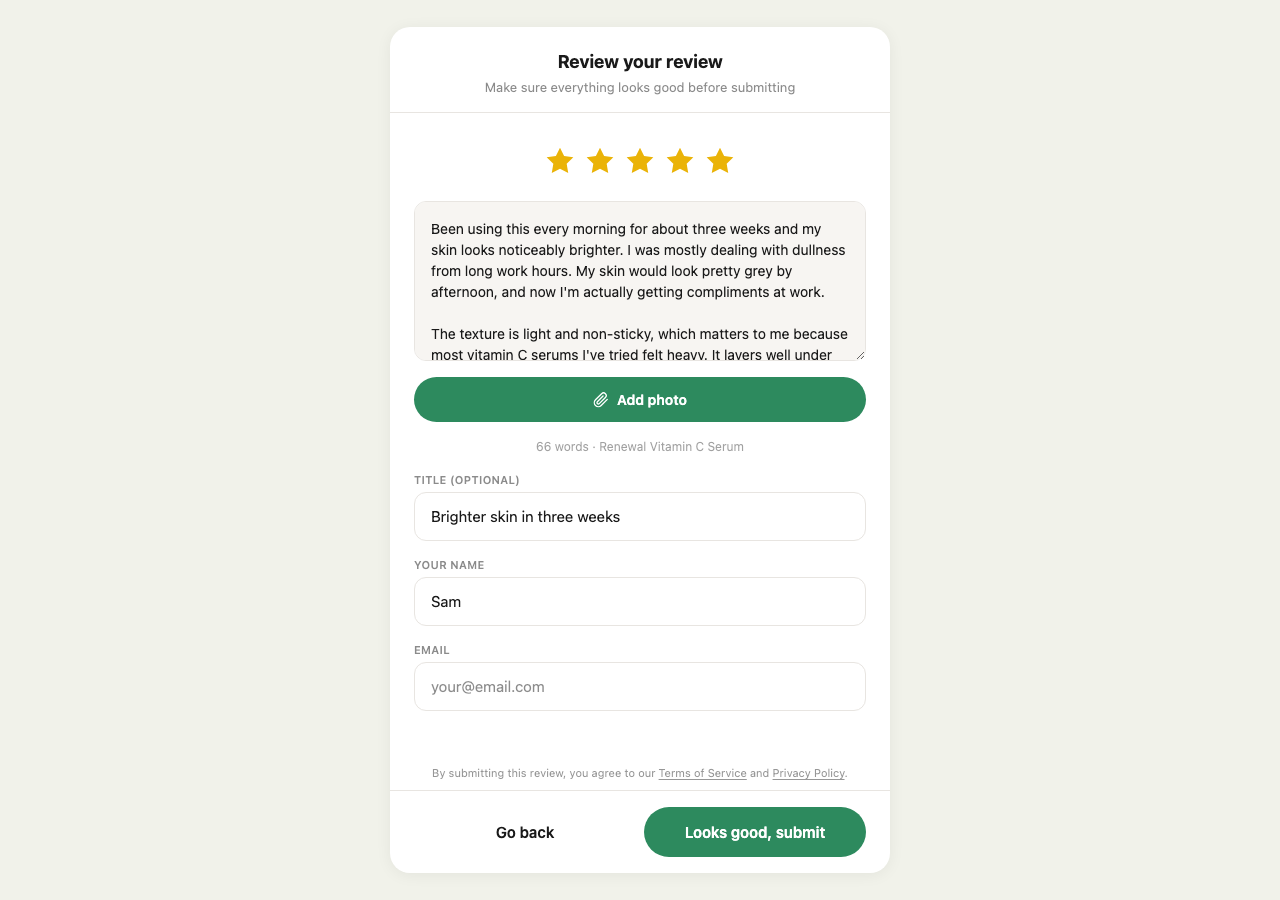
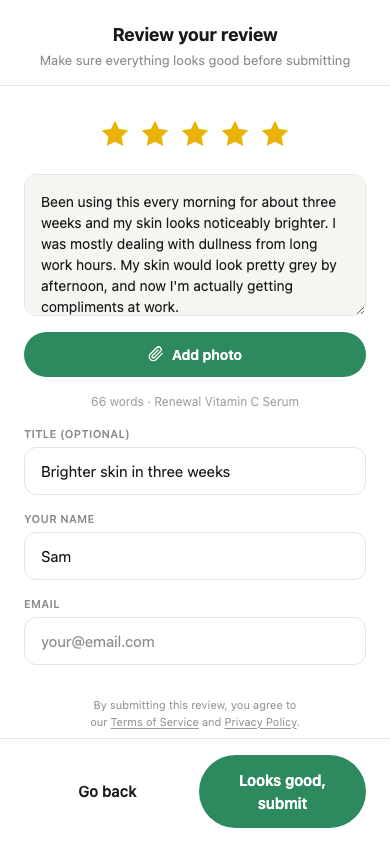
The draft screen shows:
- A star rating, pre-filled based on how positive the conversation felt — the customer can tap any star to change it
- The review body — editable in a normal textarea, written from what they said in the chat
- An optional title — pre-filled with a short suggestion
- Their name, which they can change or leave blank (they’ll appear as “Anonymous” if so)
- Their email, required for public/widget submissions so we can verify ownership of the review
They can also add more photos at this stage using the Add photo button near the draft textarea — even if they already attached one earlier in the chat.
What they can edit
Everything you see on that screen is theirs to adjust. The only thing we don’t let them change is the product the review is attached to. If they want to rewrite the whole thing in their own words, they can. Most customers tweak a few phrases, fix a typo, maybe change the rating — that’s it.
When the submit button appears
The Submit review button in the chat only shows up once the chat has enough material to produce a real draft. If a customer tries to rush through with one-word answers, they won’t see a submit option until they’ve shared a bit more.
How the review draft is written →
This is deliberate — it keeps the quality bar high and protects you from “nice!” one-line reviews that would drag down your average.
What happens when they hit submit
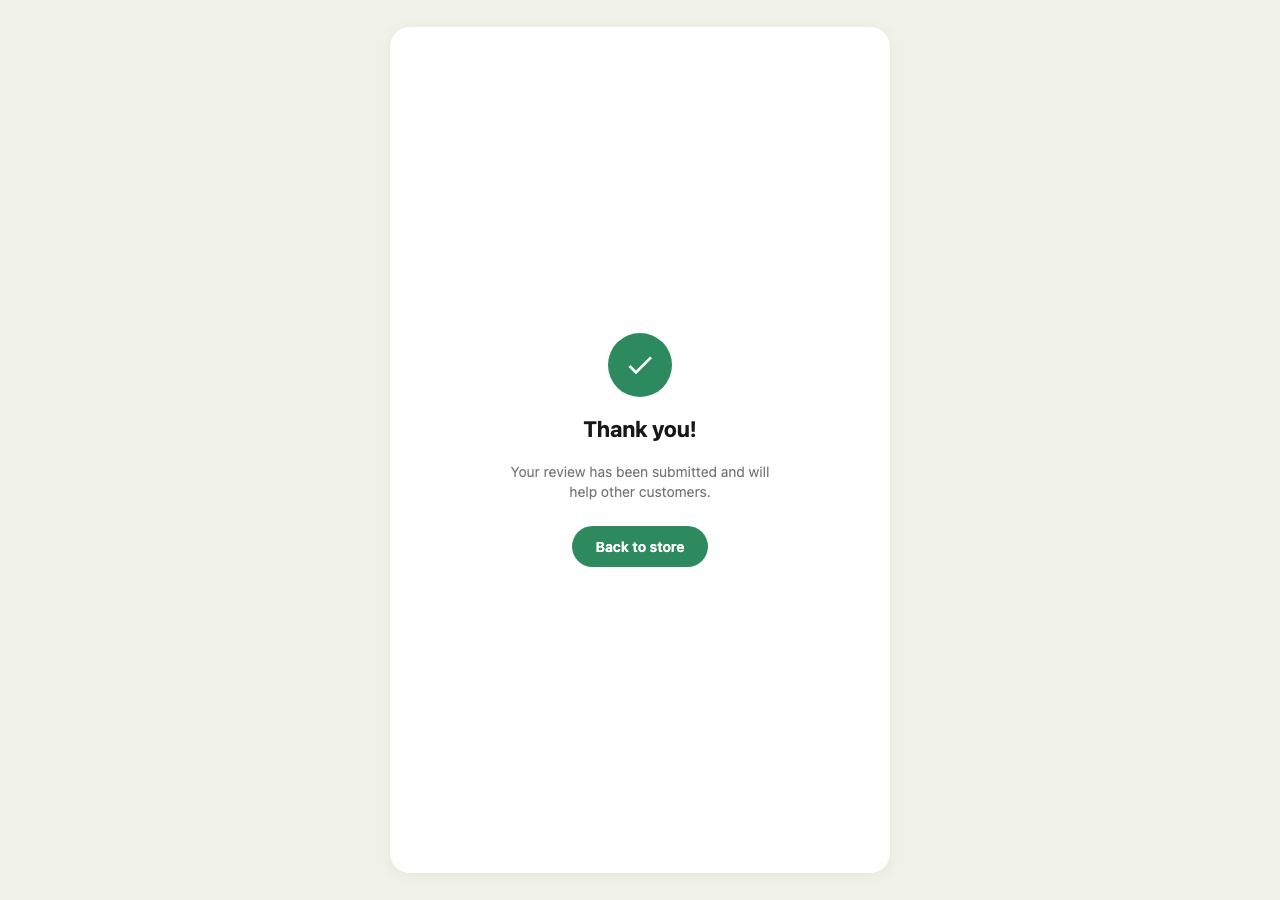
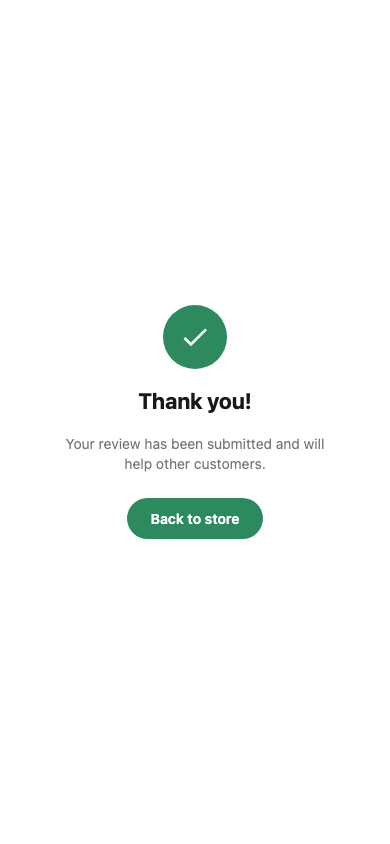
The customer sees a clean thank-you screen. If they came from a review request email that lists other products they haven’t reviewed yet, some customers also see those products there, each with a row of stars to start the next review. It’s part of a test, and it only ever shows products from that same email. Behind the scenes:
- The review is saved to your store
- Any photos attached to the conversation transfer over
- The conversation is marked complete
- The review either publishes immediately or lands in your pending queue for moderation
What happens after your customer submits →
Resume-friendly
If a customer closes the browser partway through writing their review, their draft is saved. Returning to the same URL brings them straight back to the review screen with everything intact — rating, title, body, name. They don’t lose the work they’ve already put in.